One QR code is enough
Guests scan the code and play in their phone’s browser. No app to install and no account to create.
 Ask about your event
Impact by Ten od AI®
Guests play on their own phones, the results show up on the LED screen, and the host runs everything from one panel. For event agencies, exhibitors, retail chains and companies.
The wow effect
Hundreds of phones light up to one rhythm. A wave in the brand’s colours sweeps through the room, guests play together, and after the event you get the numbers in a report.
I want a show like thatYou need a computer and a phone. It takes a minute.
One click and you have your own event with ready-made games, valid for 24 hours.
The demo has a PL/EN language switch.
The host panel on your computer, the room screen with the QR code in a second window or on a projector (F11 for full screen).
Enter a nickname and play. In the panel pick a game, e.g. Quiz, and click Start. You will see the result on the screen right away.
The demo is yours alone – feel free to invite colleagues from the office to play. At a real event you also get your logo, colours, questions and report.
Event games we prepare for your audience and your brand.
Guests scan the code and play in their phone’s browser. No app to install and no account to create.
The games are designed and tested in real rooms by an MC who hosts events every week. Every game comes with a ready script and lines for the host.
Your logo, colours and game names appear on the screen and on guests’ phones. We write the questions from the client’s materials, in the language of their industry.
Everyone plays at the same moment, and the results show up on the big screen right away. Some games work without phones: movement, voice and the rhythm of the room count.
After the event you get a report with the number of players, engagement and game results. You can send it straight to your client.
Prizes go to the best players for knowledge, reflexes and skill. There are no prize draws, and taking part is always free.
While a question is live, its text cannot be selected or copied. The system spots suspicious patterns, such as answers suggested by AI, several accounts on one phone and bots, and shows them to the host together with the reason. With one click the host removes that person, or a whole group of accounts, from the ranking and the prizes, and they can keep playing for fun. No protection is 100% foolproof, which is why the host always has the final say.
You start with the base package and add what you need, nothing more.
Base
Host panel, LED screen in your branding, phone quiz with a leaderboard, welcome and agenda boards, and a post-event report.
Add-ons
Games for the whole room, networking, a greetings wall, questions to the stage, a mosaic, a light show and sales games. You take what fits your event.
Custom
We create new games for a specific industry, sector or topic. Such a game is made for one event, and your audience is the one that plays it.
New
Guests’ phones light up in the brand’s colours. A wave of light sweeps through the room, and the screens pulse to the music. Sections of the room can light up in different colours and form, for example, a flag.
Click a game to see how it works. We adapt names, questions and graphics to your brand. Want to play it yourself? Book a live demo – we will run the games you choose on your phone and screen.
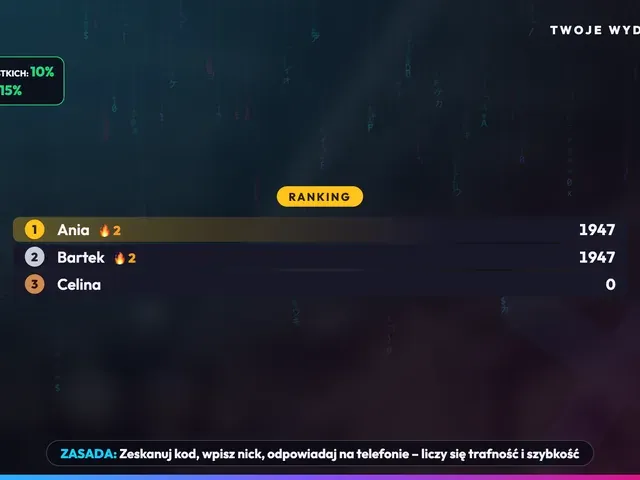
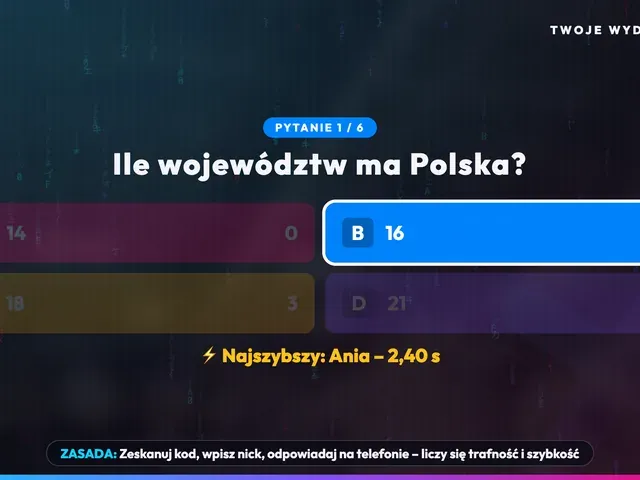 Phone quizQuestions about your industry or products. Accuracy and speed count, and the results go straight to the screen.How it works
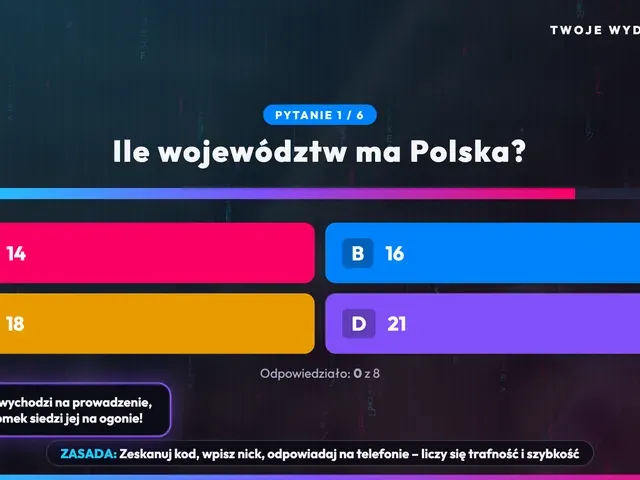
Guests scan a QR code and enter a nickname. The question appears on the LED screen and on every phone at the same time, with 15–20 seconds to answer. Then the screen shows the correct answer, how the room voted and the leaderboard. No player limit, and we write the questions from the client’s materials.
Where it is played: phones
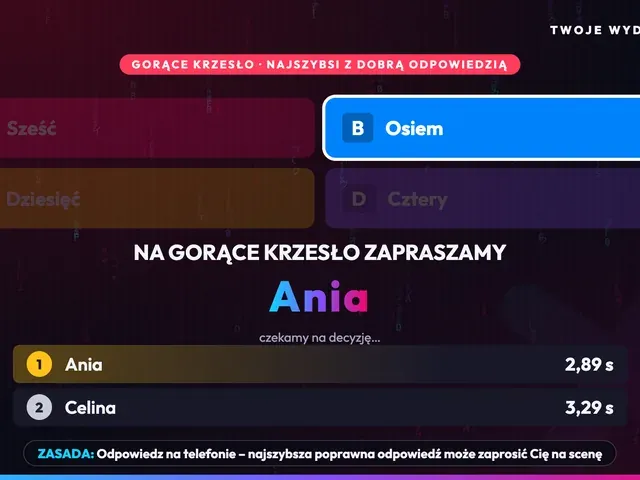 Buzzer and Hot SeatThe phone turns into a big red button: whoever presses first answers out loud.How it works
The host reads a question and arms the buzzer. The whole room holds a thumb over the screen, and the first person answers into the microphone. In Hot Seat mode the room answers a qualifying question, and the fastest correct answer earns an invitation to the stage. In Reveal mode a product photo slowly comes into view, starting from a close-up detail.
Where it is played: phones + stage
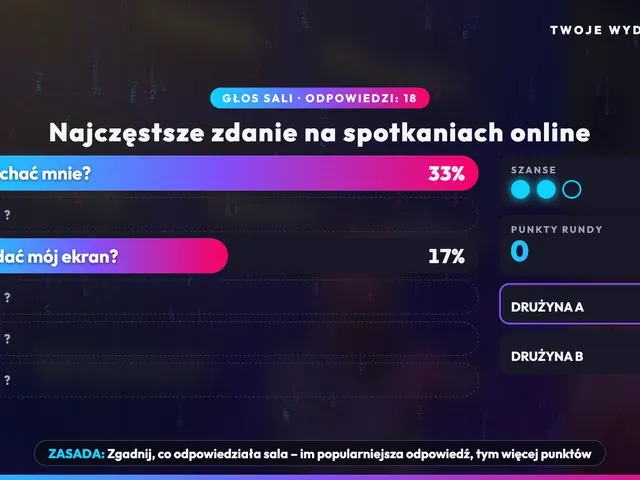 The audience answersGuess what most of the room answered. The more popular the answer, the more points.How it works
Before the game, guests answer a few short questions on their phones, such as “what do you take on holiday”. Then the players on stage guess the most common answers from the room, and the screen reveals them one by one. Guests come back to the stage to see whether their answer made it onto the board.
Where it is played: phones + stage
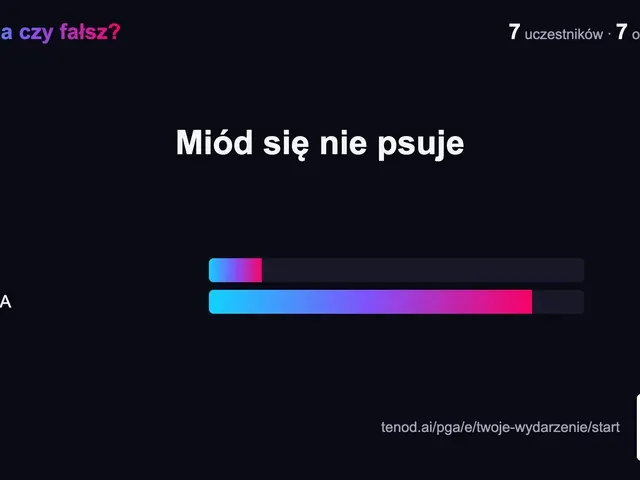 Swipe cardsSwipe cards left or right: true or false, myth or fact, rating and voting.How it works
A card with a statement or a picture appears on the phone. Guests swipe it left or right, and the LED screen shows live how the room is voting. Great as a warm-up, for product myths and for quick polls.
Where it is played: phones
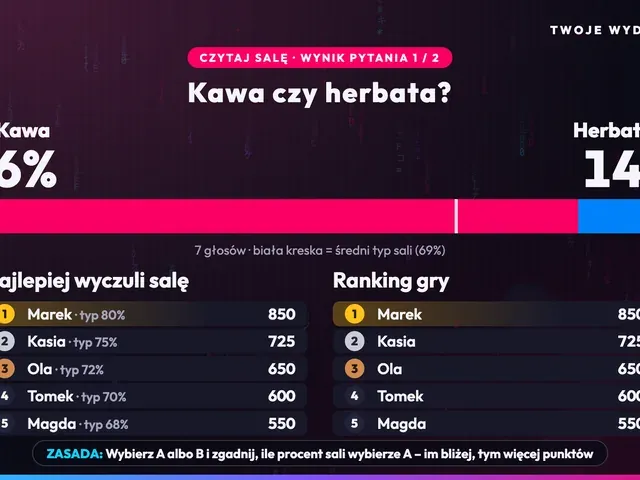 Read the roomCoffee or tea? Pick your answer and guess what percentage of the room will choose the same. The best judge of people wins.How it works
The screen shows a simple question with two answers. Guests pick A or B, then use a slider to guess what percentage of the room will choose A. The screen reveals the real split, and points go to those who read the room best.
Where it is played: phones
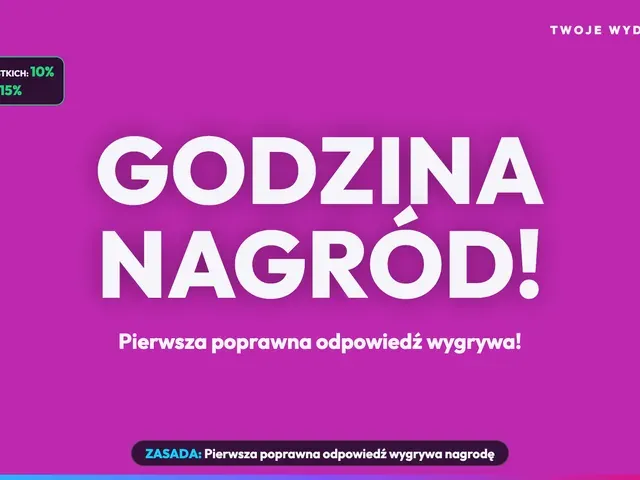
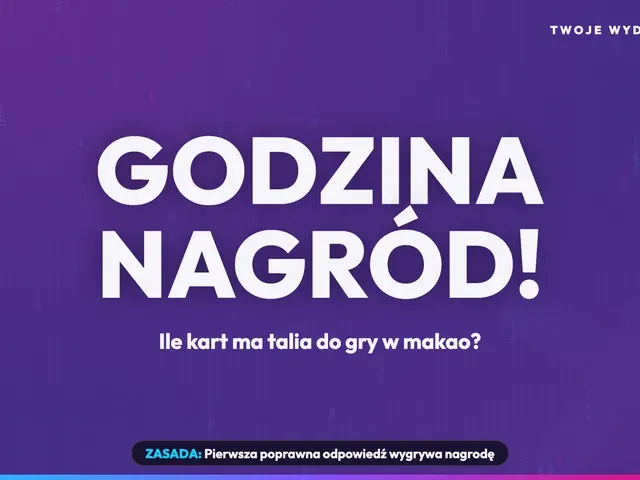 Prize HourA short round on the hour. The first correct answer wins the prize.How it works
On the hour, the screen sounds an alarm and interrupts the programme. The host asks one question, and the first correct answer from the audience wins a prize. People remember the times and come back to the stage.
Where it is played: stage
 Guess the soundThe host plays two seconds of a sound, and the audience guesses what it was.How it works
A short sound comes from the speakers, e.g. an engine, a coffee machine or the client’s product. The audience calls out answers, and the host gives the solution. A game run by the MC with visuals on the screen.
Where it is played: stage
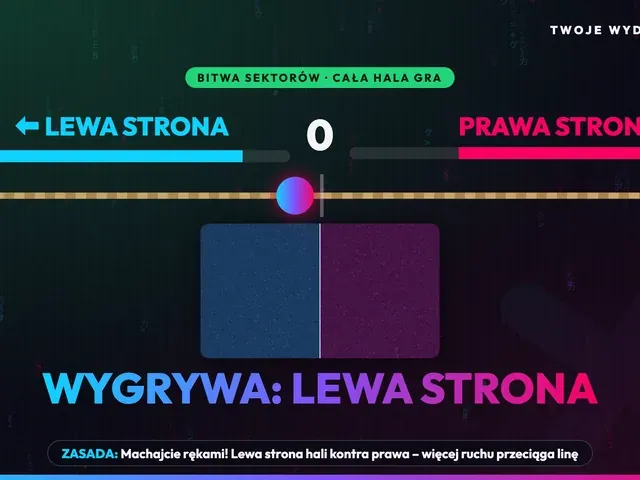 Battle of the sectorsA camera counts movement: the left side of the room against the right. The side that waves harder pulls the rope.How it works
A camera above the screen watches the room and counts movement on the left and right sides. For 45 seconds people wave, jump and swing whatever they can, and the rope on the screen moves towards the busier side. Hundreds of people play at once, and nobody needs a phone.
Where it is played: the whole room
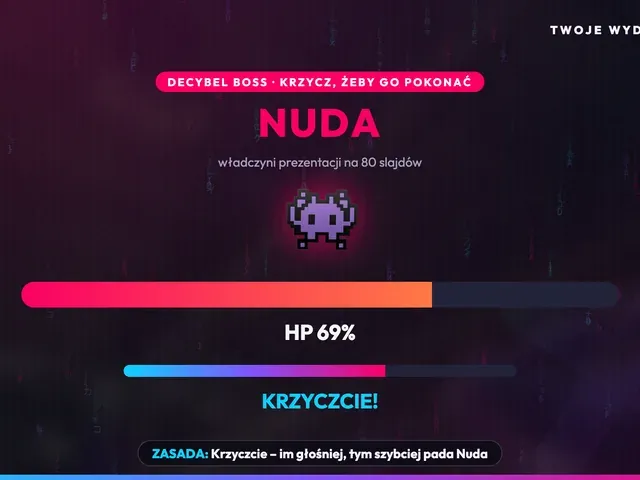 Decibel BossThe room shouts, and the boss on the screen loses health. The more people, the faster it falls.How it works
A boss with a health bar stands on the screen. A microphone measures the noise in the room: the louder it is, the faster the bar drops. Between waves the host asks quick questions, and a good answer deals a “critical hit”. The noise pulls people in from the aisles.
Where it is played: the whole room
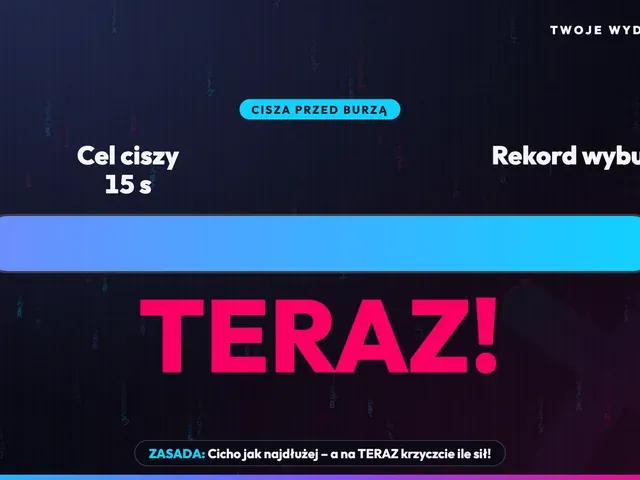 Calm before the stormFirst the whole room goes silent, then on a signal it bursts into the loudest cheer of the night.How it works
A microphone measures the silence: the bar grows while the room is quiet and drops back with every whisper. When the bar is full, the screen shouts “NOW!”, and the microphone captures the peak of the cheer. A great opening for a gala or a star’s entrance.
Where it is played: the whole room
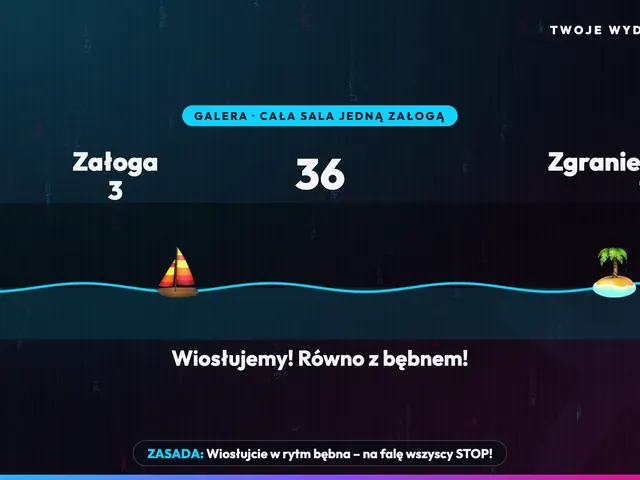 The GalleyEvery phone is an oar. The ship on the screen sails faster the more evenly the room rows.How it works
A drum plays from the speakers, and guests tap their phones to its beat. The more evenly the room rows, the faster the ship sails on the screen. When a wave comes, the drum goes quiet, and anyone who keeps rowing pushes the ship back. The result belongs to the whole room.
Where it is played: phones
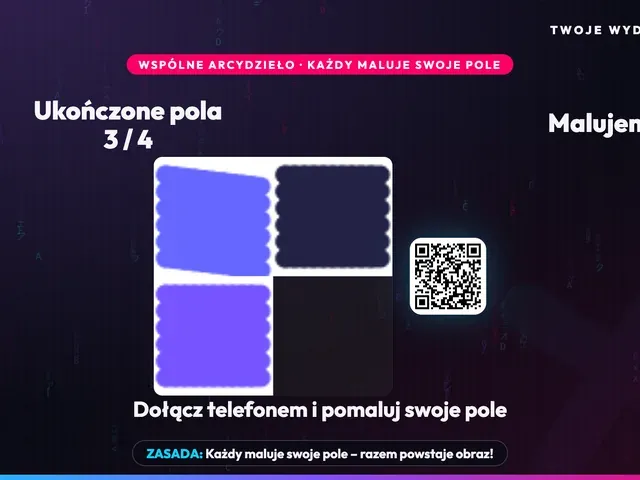 Shared masterpieceEveryone paints one tile with a finger on their phone, and a shared picture comes together on the screen, for example the brand logo.How it works
The screen divides a picture into a grid of tiles. Each phone gets one tile with a colour hint and paints it with a finger. The tiles appear on the screen straight away, and at the end we reveal the whole picture, e.g. the client’s logo. Nobody is judged individually.
Where it is played: phones
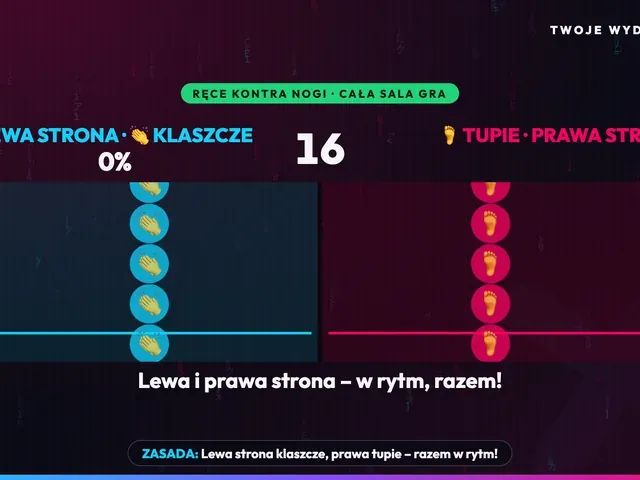 Hands vs feetThe left side claps, the right side stamps, and a camera checks who keeps the beat better.How it works
Notes fall down the screen like in a music game. The left side of the room claps, the right side stamps, and a camera checks how evenly each side hits the beat. After 40 seconds the screen shows which side was more in sync and the room’s shared score.
Where it is played: the whole room
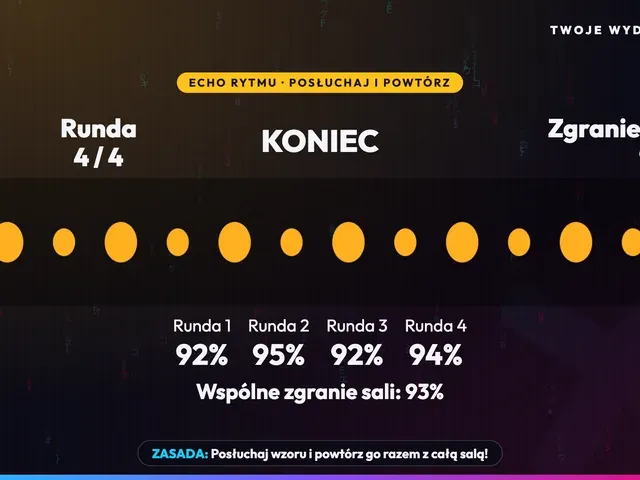 Rhythm echoThe speakers play a short pattern, and the room repeats it by tapping their phone screens.How it works
The screen plays a short rhythm pattern twice, then “YOUR TURN!” appears. Guests repeat the pattern by tapping their phones, and the screen shows as a percentage how in sync the room was. Each round is longer and harder.
Where it is played: phones
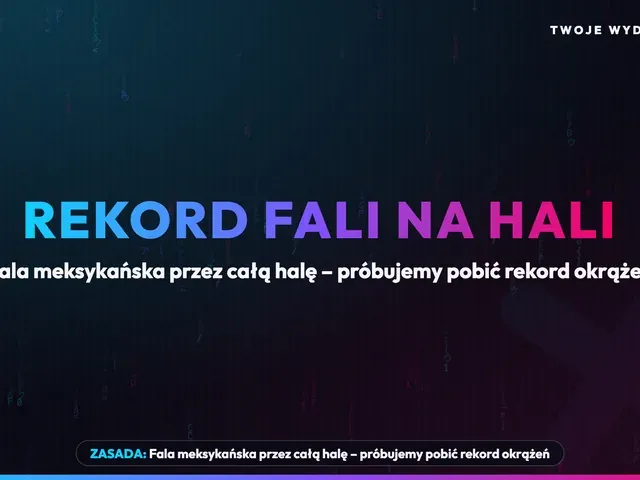 Wave recordA Mexican wave around the whole room against the clock. We try to beat the lap record.How it works
The host starts a stopwatch, and the room sends a Mexican wave all the way round. The host counts the laps, and the screen shows the name of the game and the goal: the record to beat. With the phone light show, a wave of light also runs across the phone screens.
Where it is played: stage + the whole room
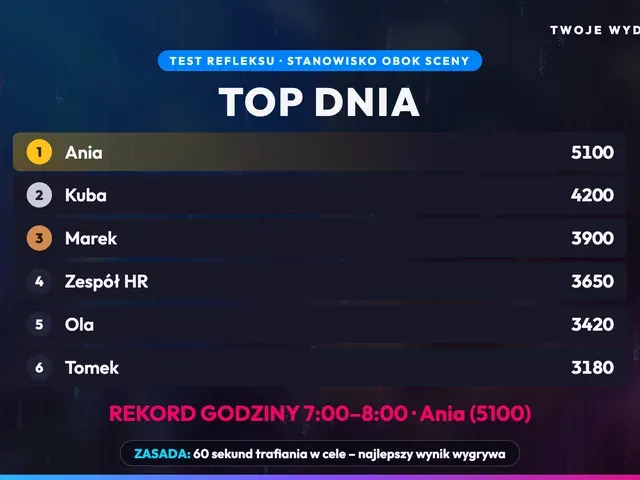 Reflex rankingOne minute of hitting targets at a game station. The best score stays on the screen all day.How it works
At a station by the booth, the guest enters a nickname and hits targets for 60 seconds. The score goes straight into the TOP 10 on the screen. Every hour the host announces the record of the hour, so people come back to beat it.
Where it is played: game station
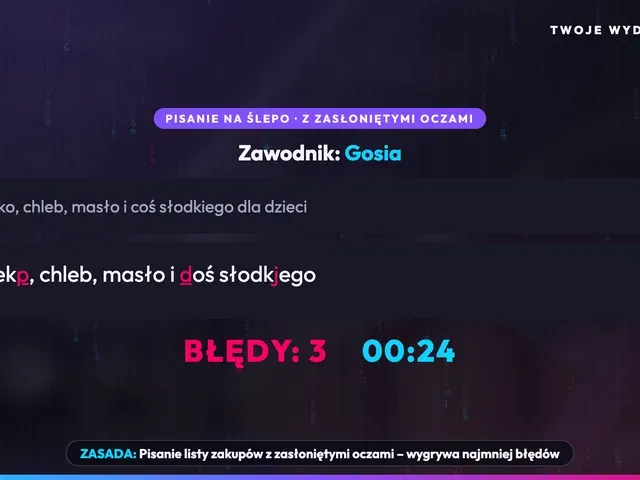 Blind typingYou type blindfolded, and every slip shows up live on the screen.How it works
The player is blindfolded, and the host dictates a sentence. For 60 seconds everything they type appears on the screen, typos included. The audience reads it out loud and laughs, and the screen counts errors and time.
Where it is played: stage
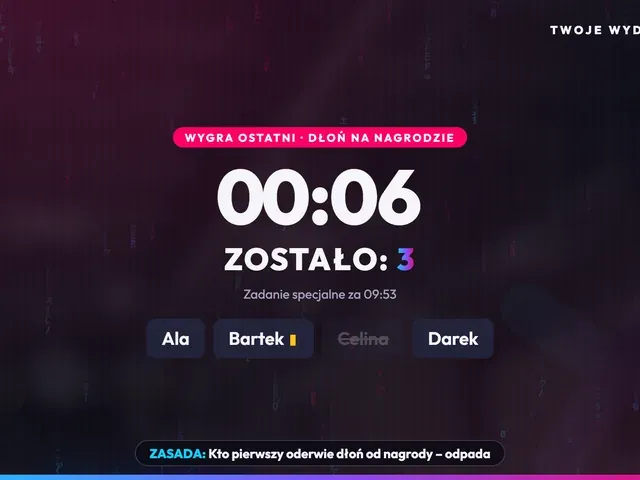 Last one winsWhoever keeps their hand on the prize the longest takes it home.How it works
After a short quiz, a few people keep one hand on the prize. The screen shows a stopwatch and counts down to a special task, announced by the host, that must be done without lifting the hand. The longer the game lasts, the bigger the crowd of onlookers, and the last person standing takes the prize.
Where it is played: stage
 Mystery bagYou guess by touch what is in the bag, and the audience guesses with you.How it works
The player is blindfolded and has 30 seconds to recognise a product in the bag by touch. A camera shows it on the screen with a countdown, and the audience shouts hints. A correct answer decides the win. A good way to warm up an empty stage.
Where it is played: stage
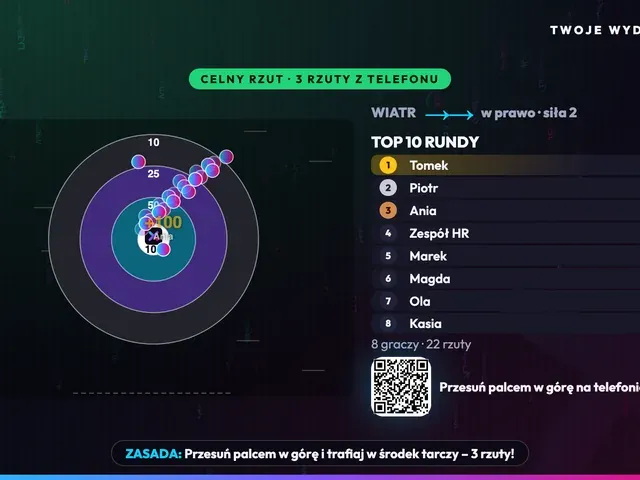 Bullseye throwThe phone becomes your hand: swipe up, and a disc flies across the screen towards a target with the logo.How it works
The guest swipes up as if throwing, and a disc in the brand’s colours flies across the LED screen onto the target. A faster swipe means a longer flight, and the angle of the finger sets the direction. Everyone has 3 throws, the score is the total, and the TOP 10 changes live.
Where it is played: phones
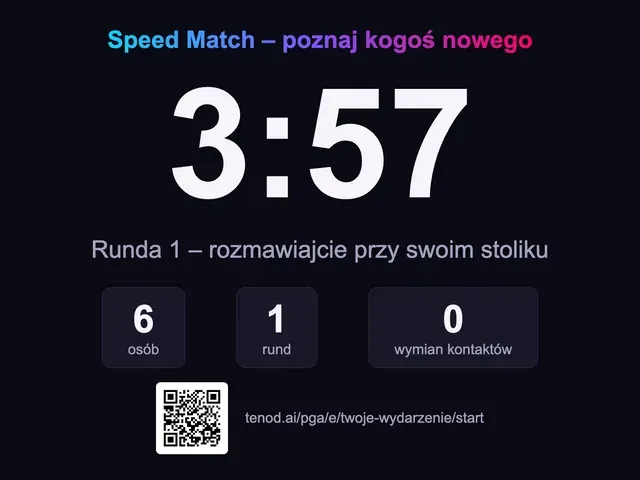 Speed MatchEvery few minutes the phone points you to someone with similar interests. Contact details appear when both people tap “Yes”.How it works
Guests tick a few interests on their phones. Every few minutes they get the name of a conversation partner, a table number and a conversation starter, and off they go for a short chat. After the chat each person taps “Yes” or “No”, and contact details are shown when both sides want it.
Where it is played: phones
 Networking bingoLook around the room for people who match the squares on your card. Every square is a new conversation.How it works
Everyone gets a paper card with squares such as “has been to Japan” or “works in IT”. To cross off a square you have to find such a person and talk to them. The first to complete a line calls “Bingo!”. You win by searching and talking, not by a draw.
Where it is played: around the room
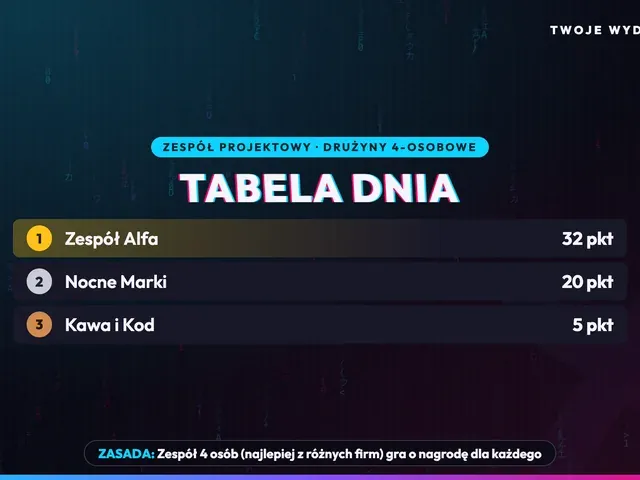 Teams of fourThe prize is for the whole team of four, so people bring their friends and play to the end.How it works
We register teams with funny names at the start, and in the quiz guests pick their team on their phones. Teams earn points in quizzes, the reflex ranking and stage tasks, and the screen shows the team table all day. The prize goes to complete teams of four, so people bring their friends and stay to the end.
Where it is played: phones
 Relay and charadesTeams take turns running an obstacle course or acting out brand slogans without words.How it works
Teams line up on stage and take turns completing a short course of tasks or acting out brand-related phrases without words. The screen shows the name and the rule, and the crew keeps time and score. A game run by the MC with visuals on the screen.
Where it is played: stage
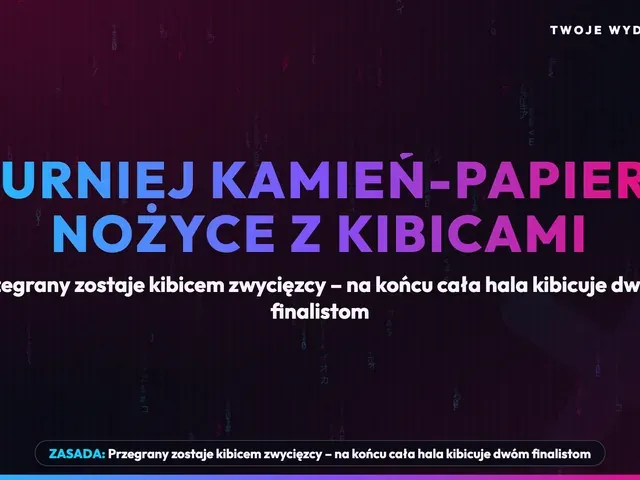 Rock, paper, scissors tournamentThe loser becomes the winner’s fan, and in the final the whole room cheers for two people.How it works
Everyone plays in pairs. The loser becomes the winner’s fan and follows them to the next round. After a few minutes two people are left, each backed by a huge group of fans. The fastest way to bring a big room together.
Where it is played: around the room
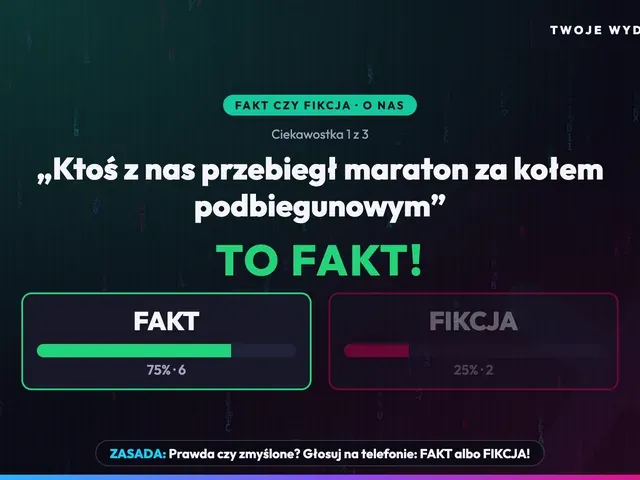 Fact or fiction – about usFun facts about people on the team, without names. The room votes: true or made up?How it works
The screen shows a fun fact about someone on the team, e.g. “One of us has run a marathon”. Some statements are true, some are made up. Guests vote FACT or FICTION on their phones, and the screen reveals the answer and how the room voted. A good icebreaker to start team building.
Where it is played: phones
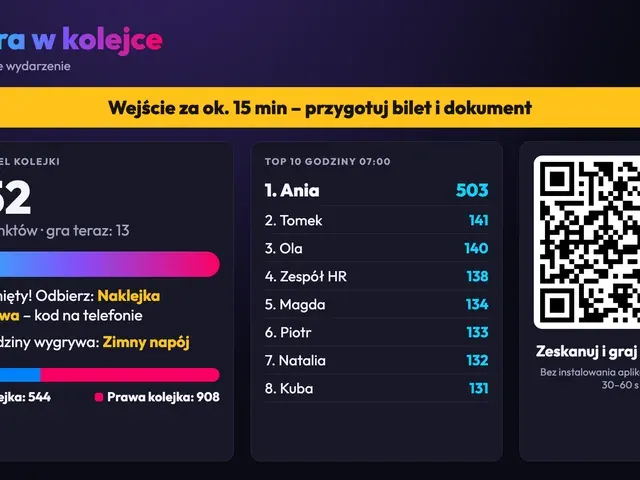 Queue gameHundreds of people in the queue play together on their phones towards a shared goal. Prizes are collected with a code at the entrance.How it works
Guests in the queue scan the QR code on a sign and play short rounds: a 3-question mini quiz or a reflex test. Points go towards the whole queue’s shared goal and to their side: left against right. Once the goal is reached, everyone who played gets a code on their phone to collect a small prize. No LED screen is needed.
Where it is played: phones in the queue
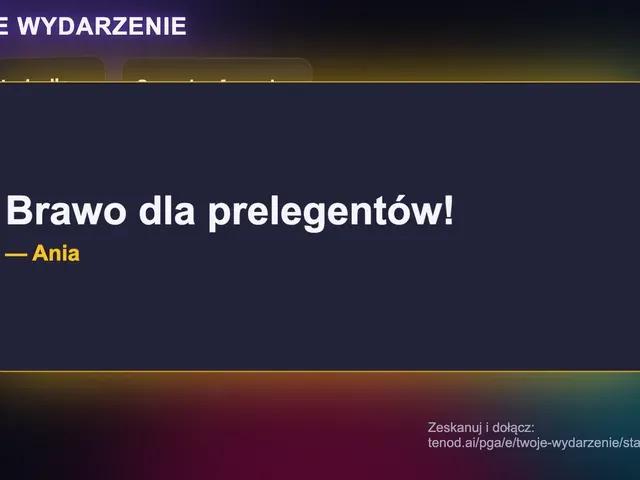 Greetings wallGuests send short greetings from their phones, and a moderator puts them on the screen.How it works
Guests type a short greeting or wish on their phones. A filter and a moderator check the content, and approved messages scroll across the screen. Perfect for Christmas parties, anniversaries and galas.
Where it is played: phones
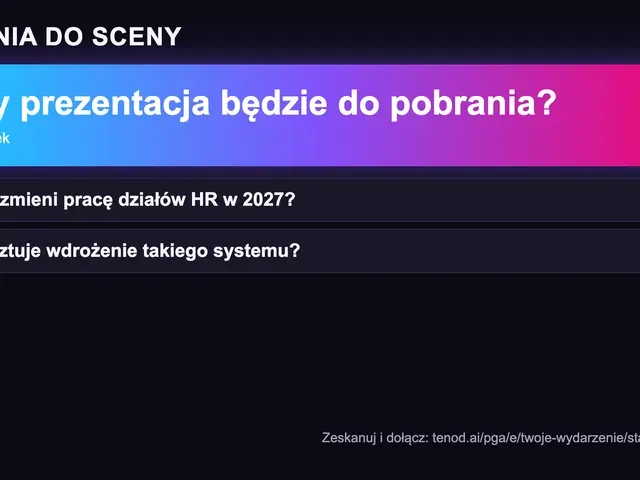 Questions to the stageQuestions from the room go straight to the host and onto the screen, once a moderator approves them.How it works
Guests send questions from their phones and vote on other people’s questions. A moderator chooses which ones go to the host and onto the screen. Shy people ask too, and the panel does not waste time passing a microphone around.
Where it is played: phones
 Word cloudThe room answers in one word, and the most common words grow on the screen.How it works
The host asks a question, e.g. “in one word: how was this year?”. Guests type a word on their phones, and a cloud grows on the screen, with the most common words the biggest. A good opening or wrap-up for a talk.
Where it is played: phones
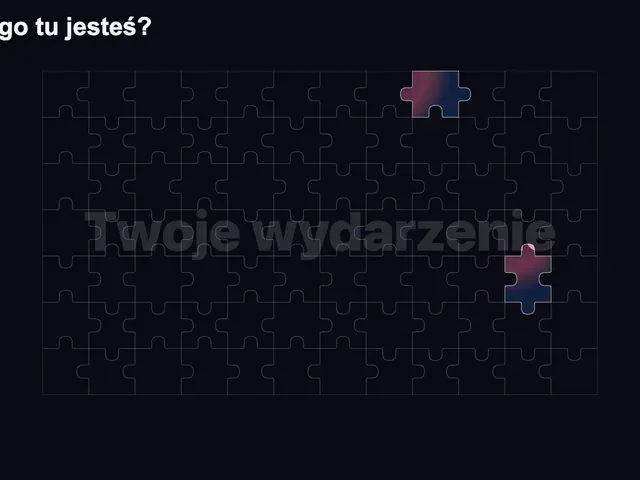 Story mosaicGuests record a short message at a camera station, and the recordings build a mosaic on the screen.How it works
At a camera station guests can choose to record a few seconds, e.g. wishes or a memory. The crew approves the recording, and the screen plays it and adds it as a puzzle piece to a picture with the event name. With the guests’ consent, the recordings can be used for a film after the event.
Where it is played: game station
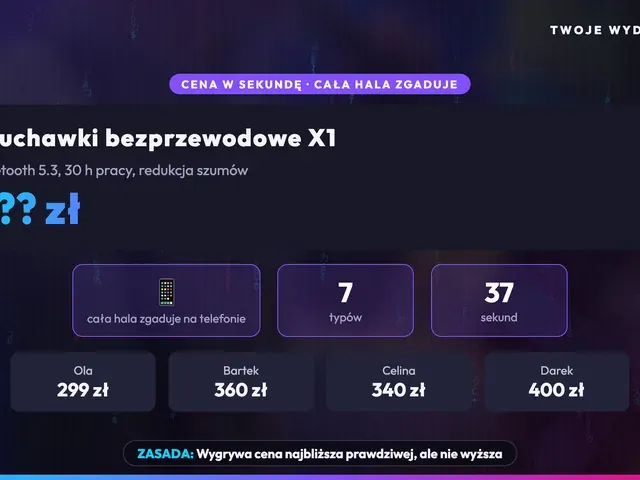 Guess the priceThe price closest to the real one without going over wins. Anyone in the audience can guess.How it works
A product appears on the screen without a price. Four players write down their price, and the audience shouts “higher” or “lower”. The whole room can also type their price on their phones for 20 seconds. The closest price that does not go over the real one wins.
Where it is played: stage
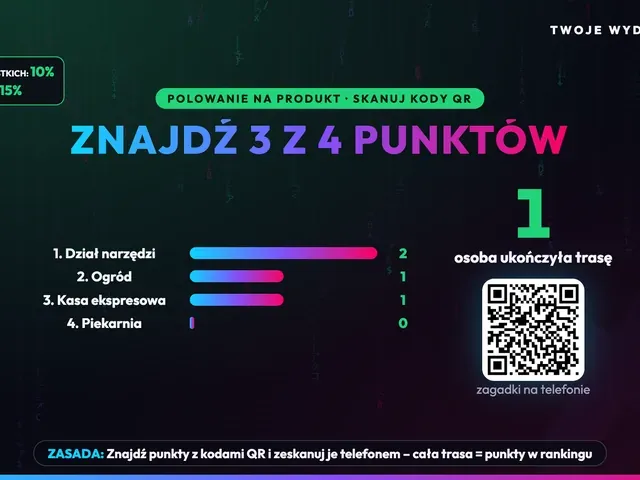 Product huntGuests look for QR codes next to products and collect points, and you see which spots they visited.How it works
QR codes hang next to selected products or departments. Guests find them with the help of riddles, scan them with their phones and collect points for the ranking. The screen and the panel show which spots people actually visited.
Where it is played: phones
 Coupons for knowledgeA store coupon for knowing your products, on the terms set out in the rules.How it works
Guests answer questions about the client’s products on their phones and get a store coupon for a good score. The coupon is for knowledge, and no purchase is needed to take part. The till checks and redeems the code, and the statistics show how many coupons were issued and redeemed.
Where it is played: phones
 Happy hourA coupon valid for just 30 minutes, so guests head to the store right away.How it works
At a chosen moment the host announces 30 minutes with a better offer, and the screen sounds an alarm that draws people to the stage. The best players in a short quiz get a coupon. The host and the till keep track of the time, and the rules set out the terms. Good for openings and promo days.
Where it is played: stage
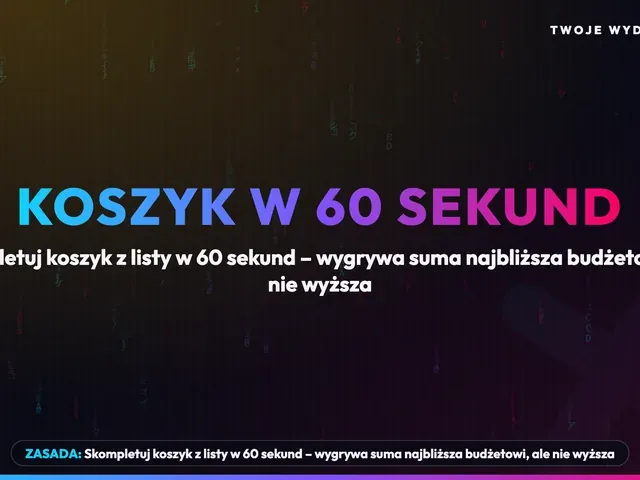 Basket in 60 secondsA player fills a basket from a shopping list against the clock, and the audience cheers them on.How it works
The player gets a shopping list and 60 seconds to fill a basket from the client’s shelves. The screen shows the name and the rule, the crew keeps time, and the audience cheers. A game run by the MC at store openings.
Where it is played: stage
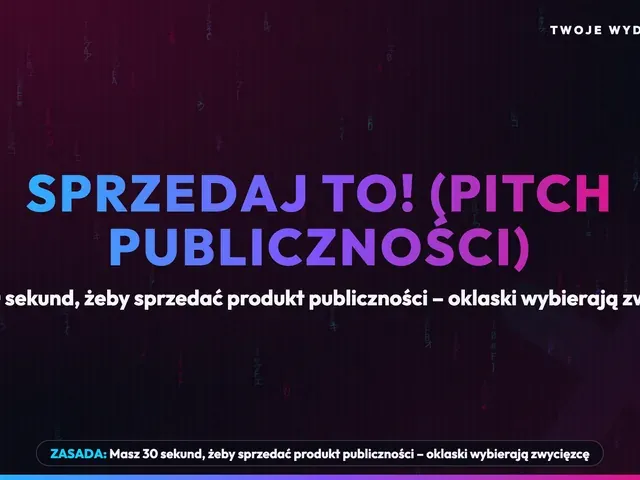 Sell it!Volunteers have 30 seconds to sell a product to the audience. Applause picks the winner.How it works
A volunteer gets the client’s product and 30 seconds to convince the audience to buy it. The screen shows the name and the rule, and the room’s applause decides who sold it best. Along the way everyone learns the product’s strengths.
Where it is played: stage
Boards and short formats the host starts with one click between games.
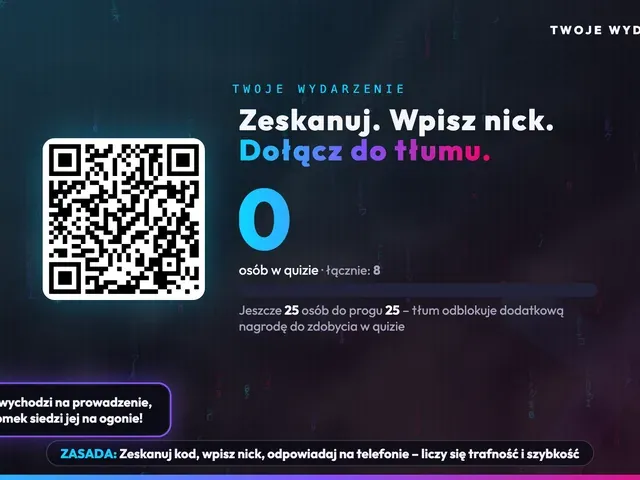
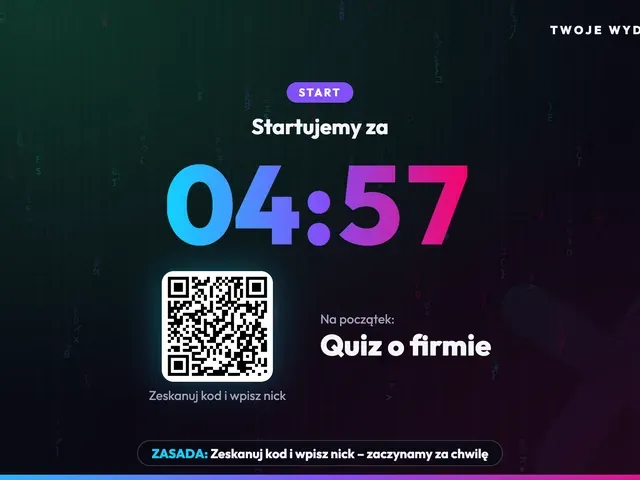 Countdown to startA big “Starting in…” clock, a QR code and a preview of the first game, before guests even sit down.How it works
While guests are arriving, the screen shows a big clock, a QR code and the name of the first game. People join before the start, and when the clock reaches zero, the screen shows “Let’s go!”.
Where it runs: LED screen + phones
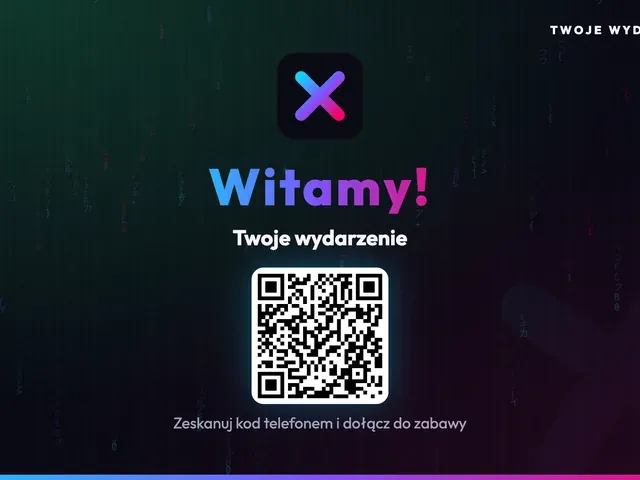 Welcome screen with logo and QR codeAn opening board: the client’s logo, the event name and a QR code to join.How it works
At the start of the event the screen shows the client’s logo, the event name and a big QR code that can be read from the back of the room. The host welcomes the guests, and they join the game right away.
Where it runs: LED screen
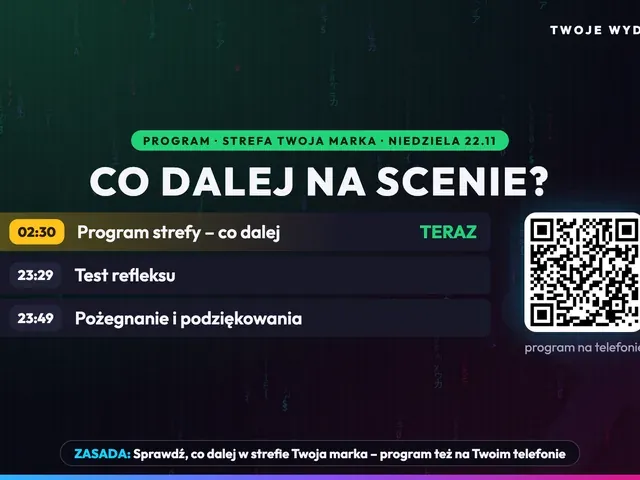 Agenda on the screen and on phonesWhat’s on now and what’s next: the day’s agenda on the LED screen and on every guest’s phone.How it works
The crew uploads the agenda from an Excel sheet. The screen shows the next items, and guests have the same agenda on their phones and can plan when to come back to the stage.
Where it runs: LED screen + phones
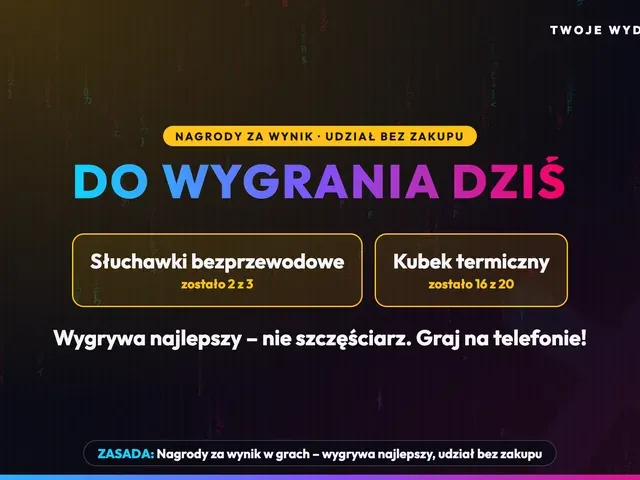 Up for grabs todayA prize board with a counter of items left. Prizes go to the best players, not the luckiest.How it works
The screen shows the prizes to win and a counter of how many are left. After a game the host awards a prize to the top of the ranking, and the winner gets a collection code on their phone.
Where it runs: LED screen + phones
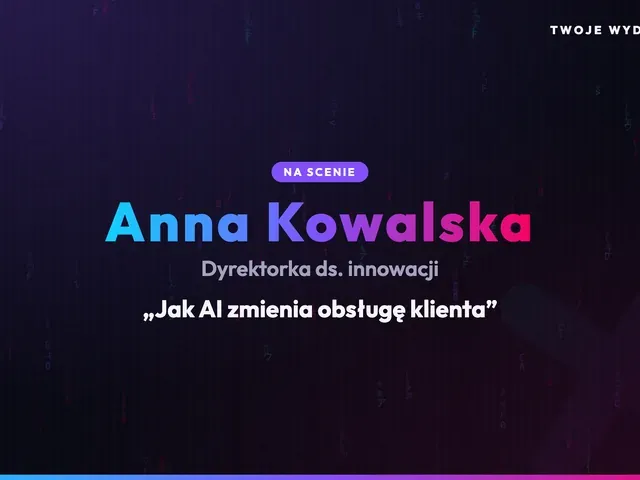 Speaker introductionName, role and talk topic on the screen, plus walk-on music at the click of a button.How it works
Before the talk the screen shows the guest’s name, role, topic and, optionally, a photo. The host introduces the speaker and starts the walk-on music with one click.
Where it runs: LED screen
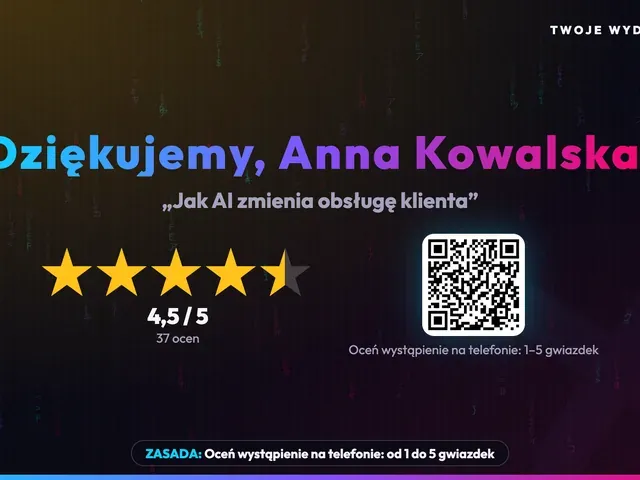 Star rating for talksA thank-you on the screen and a 1–5 star rating on phones. The average goes into the report.How it works
After the talk the screen thanks the speaker and shows a QR code. Guests rate the talk on their phones from 1 to 5 stars, and the average goes into the post-event report, without personal data.
Where it runs: LED screen + phones
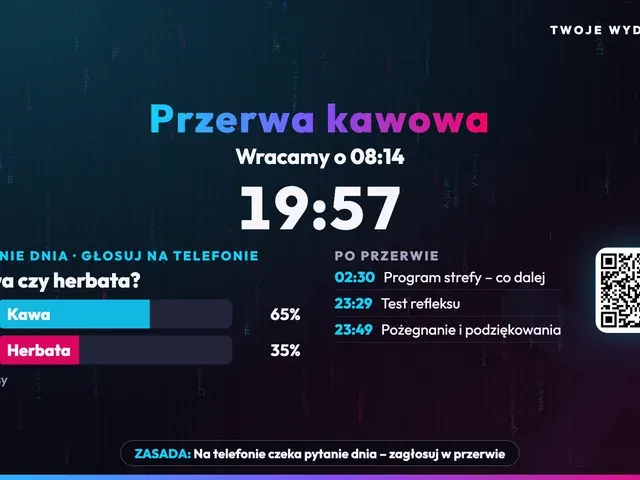 Break with countdown and question of the dayThe screen shows when we are back and what comes after the break. A question of the day with live results waits on the phones.How it works
For the break the screen shows “Back at…”, a clock and the agenda after the break. Guests vote on the question of the day on their phones, and the result grows on the screen. After the break the host reads out the result.
Where it runs: LED screen + phones
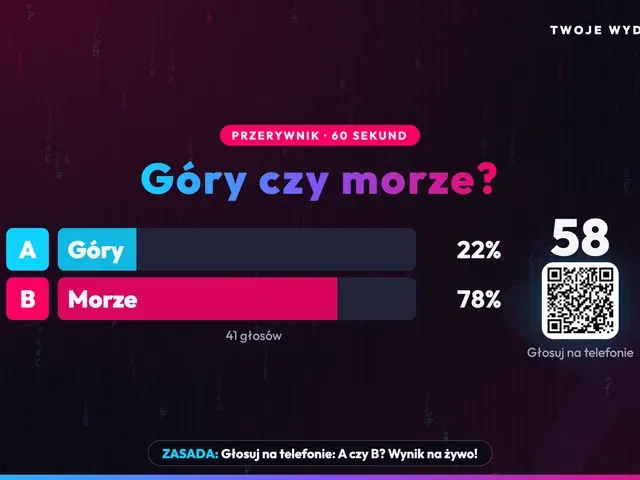 60-second fillerA quick A-or-B question for the whole room, no preparation needed. For a technical pause or a stage change.How it works
When a moment needs filling, the host starts a ready-made question, e.g. “Mountains or the sea?”. The whole room votes on their phones, and the result grows on the screen for 60 seconds.
Where it runs: LED screen + phones
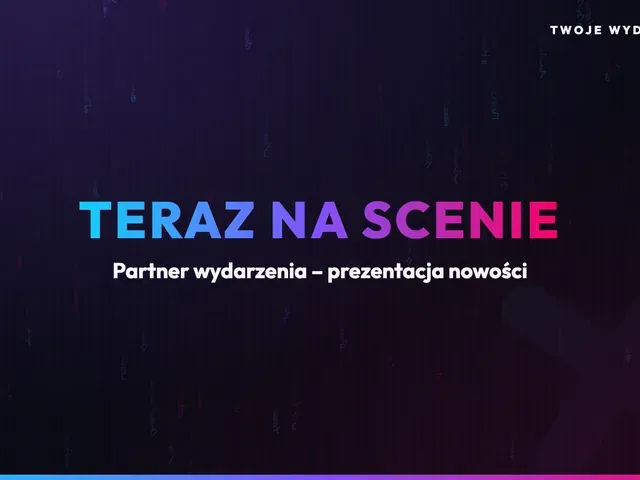 Partner slotA board with the partner slot name on the screen and a place in the day’s agenda.How it works
When it is the partner’s turn, the screen shows a board with the name of their slot, and the host introduces the partner and hands over the stage. The slot also appears in the agenda on the screen and on phones.
Where it runs: LED screen
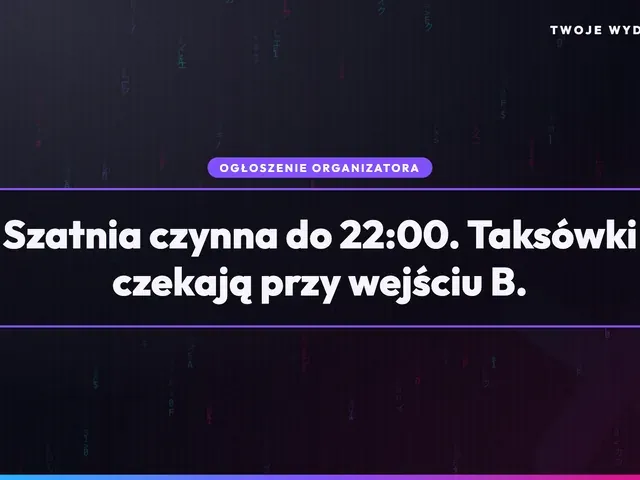 Organiser announcementA short message on the screen and on guests’ phones, e.g. “Cloakroom closes at 10 pm”.How it works
The crew types a short text, and the LED screen shows it in big letters. The message can also appear at the top of each guest’s phone and disappear on its own after a set time.
Where it runs: LED screen + phones
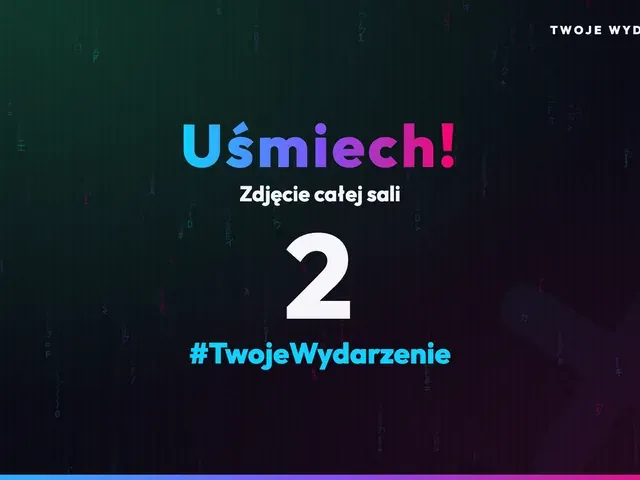 Room photo 3-2-1A “Smile!” board with a 3-2-1 countdown and the event hashtag for a group photo.How it works
At the peak of energy the host clicks “Photo 3-2-1”. The screen counts down, the room raises their hands and smiles, and at “CLICK!” the photographer takes a photo from the stage.
Where it runs: LED screen
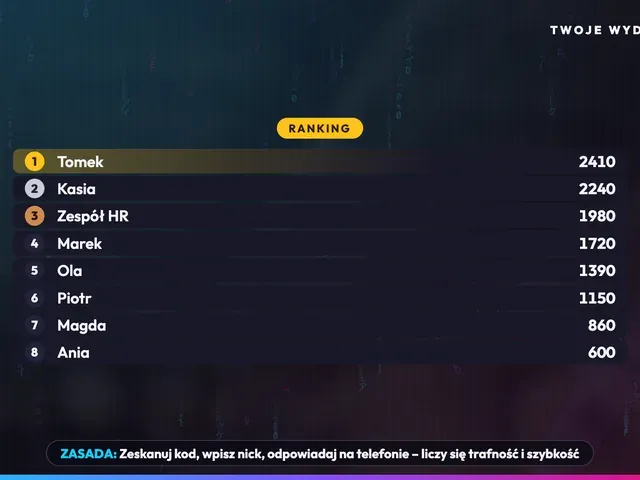 Block rankingTOP 10 from the latest games on the screen, at the end of each block.How it works
At the end of a block of games the host shows the TOP 10 from the latest games with one click and reads out the top three. People see how far they are from the leaders.
Where it runs: LED screen
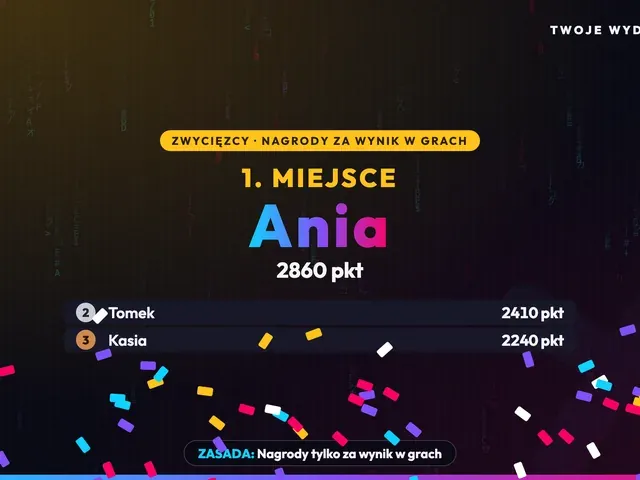 Award ceremony with confettiWinners revealed from last place to first, each place with confetti on the screen.How it works
The host picks the number of places and reveals the winners one click at a time, from last to first. Each place appears on the screen with confetti, and the prize collection code goes to the winner’s phone.
Where it runs: LED screen + phones
 Ranking of the dayTo close the day: the whole day’s ranking and an invitation for tomorrow.How it works
At the end of the day the screen shows the ranking for the whole day, and the host invites guests to come back the next day. On the last day the screen shows the ranking for the whole event and the number of participants.
Where it runs: LED screen
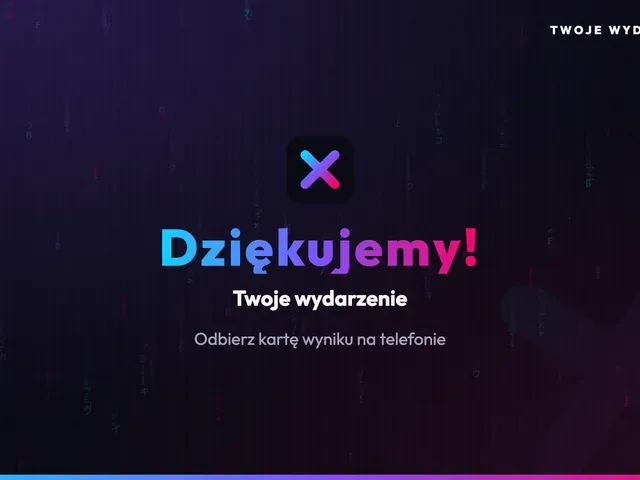 Farewell with partner logosThank-yous, partner logos and a score card on every player’s phone.How it works
At the end the screen shows thank-yous and the partners’ logos. Every player collects their score card on their phone, using the same code they joined with.
Where it runs: LED screen + phones
 AI commentatorShort, friendly comments on the screen at key moments of the game. It teases the leaders by their nicknames.How it works
The commentator follows the game. When the lead changes, someone hits a streak or a wave of new people joins, a single short sentence appears on the screen, like from a sports commentator. It works as a duo with the host.
Where it runs: LED screen
 NEXT remote on the phoneThe host taps NEXT, and the window suggests what to say and triggers the effect on the screen.How it works
The host window works on a phone, tablet or laptop. The host picks a game and taps NEXT: the window shows the text to say, and the system triggers the question, the countdown or the reveal on the screen.
Where it runs: host's phone or tablet
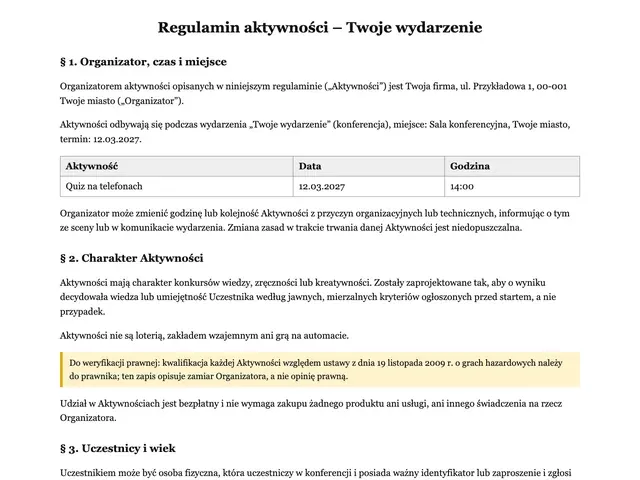 Rules generatorA draft of the activity rules, put together from the cards of the games chosen for the event.How it works
Once the organiser picks the games for the event, Impact puts together a draft of the activity rules from their cards: game rules, prizes for results and disqualification for cheating. The client’s legal team approves the rules.
Where it runs: organiser's panel
Choose the type of event – we will adapt the rest to your brand, venue and agenda.
A warm evening together, where the whole room plays, not just the boldest few.
A crowd at your booth at peak hours and visitors who remember your products.
An audience that asks questions, talks during breaks and stays to the end.
Foot traffic in the store from day one and numbers you can show head office.
For event agencies
You sell games and interactive entertainment to your clients, and we provide the technology, the scripts and, if you want, the host.
You tell us who is coming, how much time you have and what guests should remember. We pick the base, the add-ons and, if needed, a custom game.
Branding, questions, the agenda and a script for the host. Before the event we test everything on the screen that will be in the room.
Guests scan the QR code and play. After the event you get a PDF report with the numbers, ready to send to your client.
Tell me what kind of event it is, when and where it takes place and how many guests you expect. I will reply with a suggestion of games and a quote. Prefer to talk? Call: +48 535 515 100.