
Impact by Ten od AI® · Wall, questions and mosaic
Live word cloud from phones for conferences
The room answers in one word, and the most common words grow on the screen.
Game in the Impact app
- time: 3–10 min
- players: no limit
- where it is played: phones
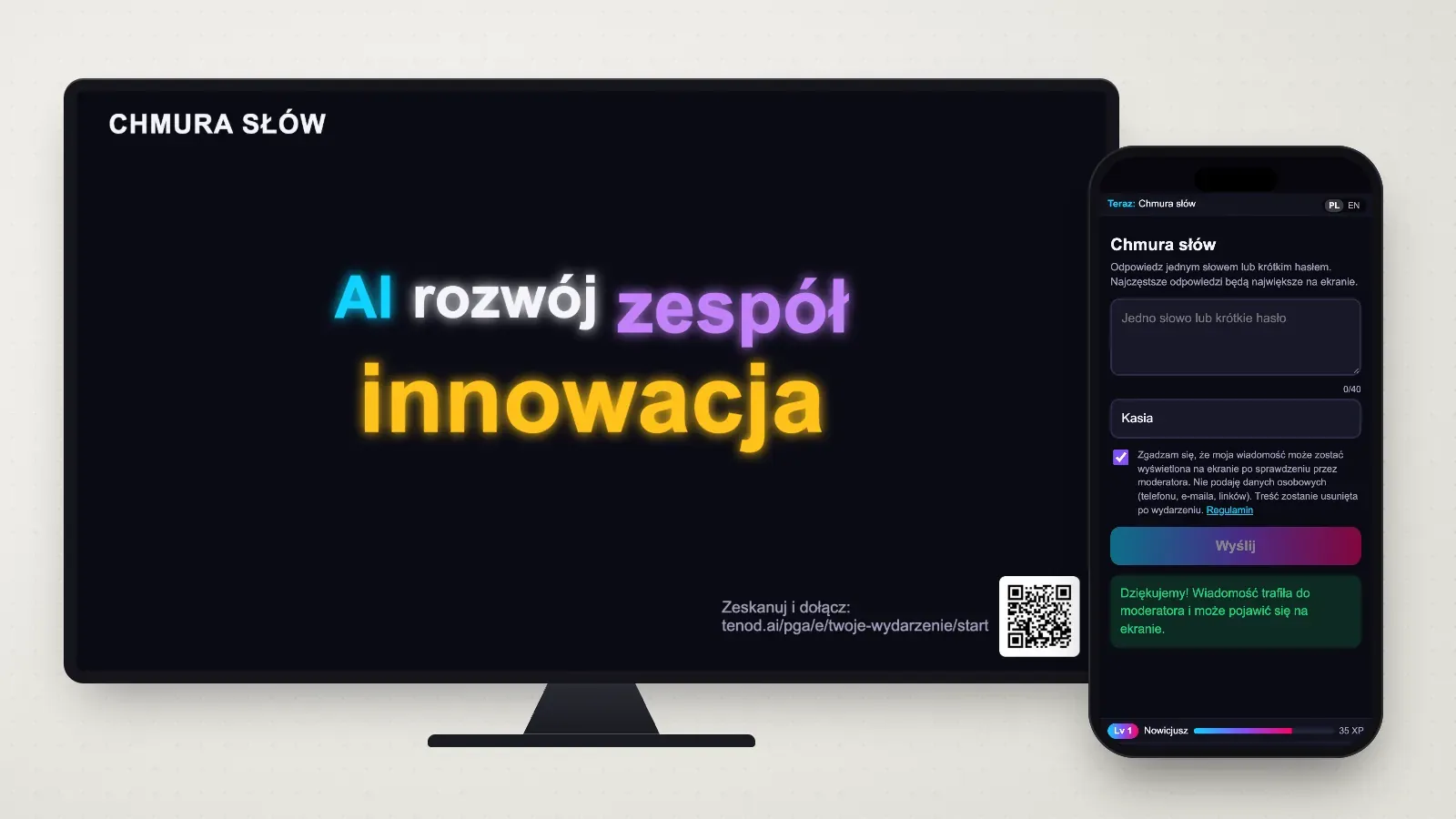
How Word cloud works
The host asks the room a question out loud, e.g. “in one word: how was this year?”. Guests type one word or a short phrase on their phones. A cloud grows live on the screen, with the most common answers the biggest, and profanity waits for the moderator’s decision. It is a good opening or wrap-up for a talk, and the brand sees what the audience associates it with.
How it works, step by step
The host asks a question out loud and explains how to join.
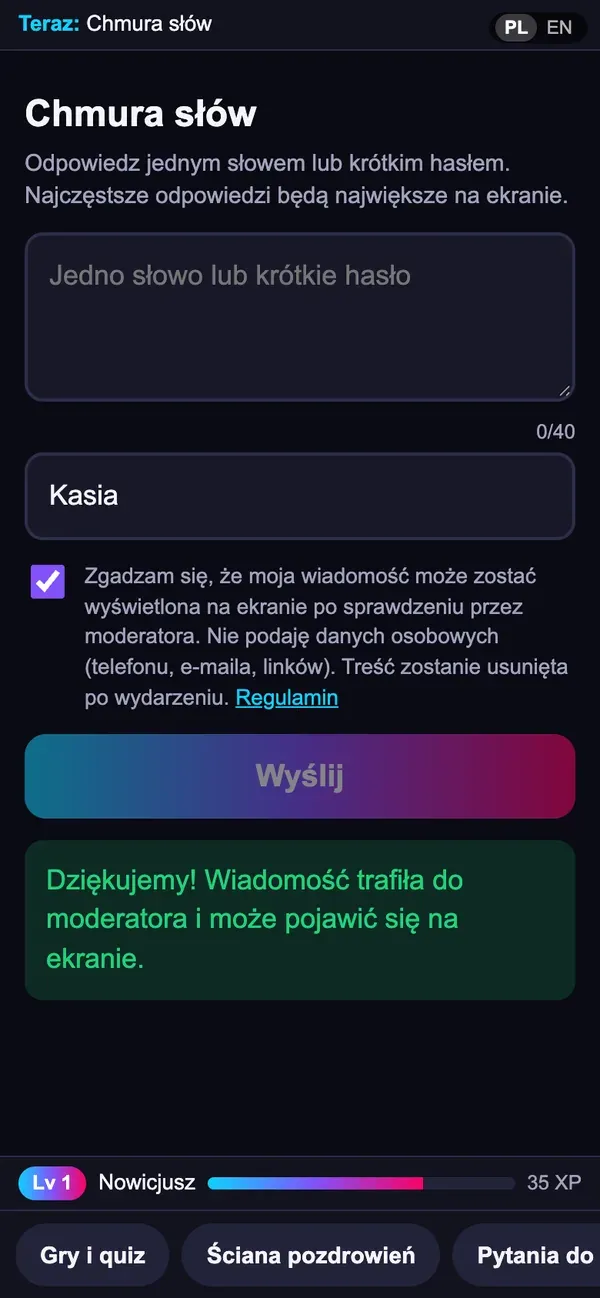
Guests type one word or a short phrase on their phones.
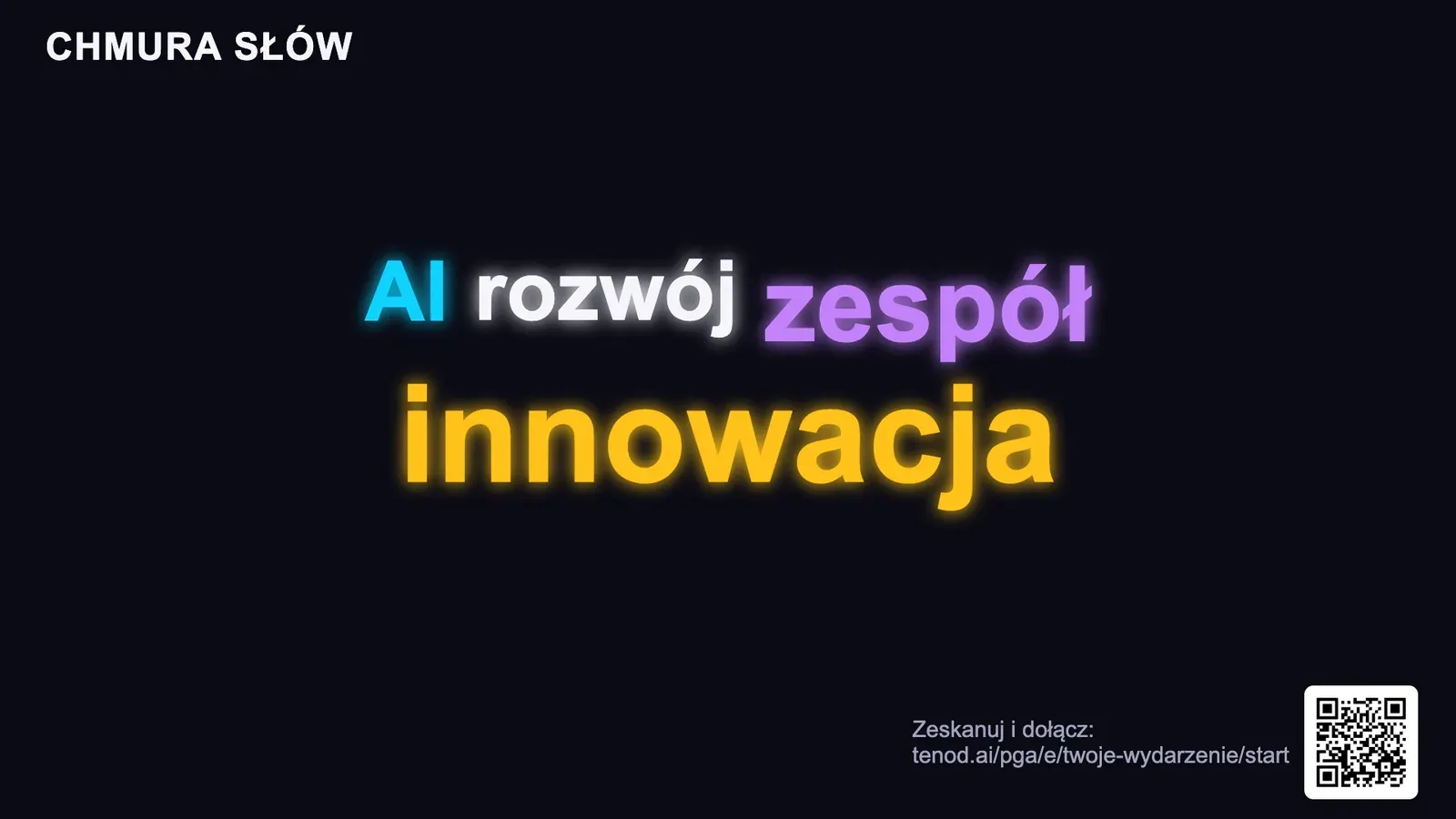
The words appear on the screen, and repeated ones grow.
The host comments on the most common answers.
Which events it suits
- Conference
- Corporate event or team building
- Company Christmas party
We adapt names, questions and graphics to your brand.
Equipment and timing
- Time
- 3–10 min
- Number of players
- no limit
- Equipment
- guests' phones, LED screen, moderator with a laptop or phone
- Type
- in the app
FAQ
- Where is the question for the cloud shown?
- The host asks the question out loud. The screen shows the word cloud itself.
- Are the words filtered?
- Yes. Profanity does not reach the screen without the moderator’s decision.
- What do guests win prizes for?
- For knowledge, reflexes and skill. Taking part is free and no purchase is needed.
Similar games
- Greetings wallGuests send short greetings from their phones, and a moderator puts them on the screen.
- Questions to the stageQuestions from the room go straight to the host and onto the screen, once a moderator approves them.
- Story mosaicGuests record a short message at a camera station, and the recordings build a mosaic on the screen.
Ask about this game
Tell me what kind of event it is, when and where it takes place and how many guests you expect. I will reply with how to run Word cloud at your event. Prefer to talk? Call: +48 535 515 100.