
Impact by Ten od AI® · Event hosting
NEXT remote – running games from the host’s phone
The host taps NEXT, and the window suggests what to say and triggers the effect on the screen.
Event hosting module
- time: the whole event
- who: the host
- where it runs: host's phone or tablet
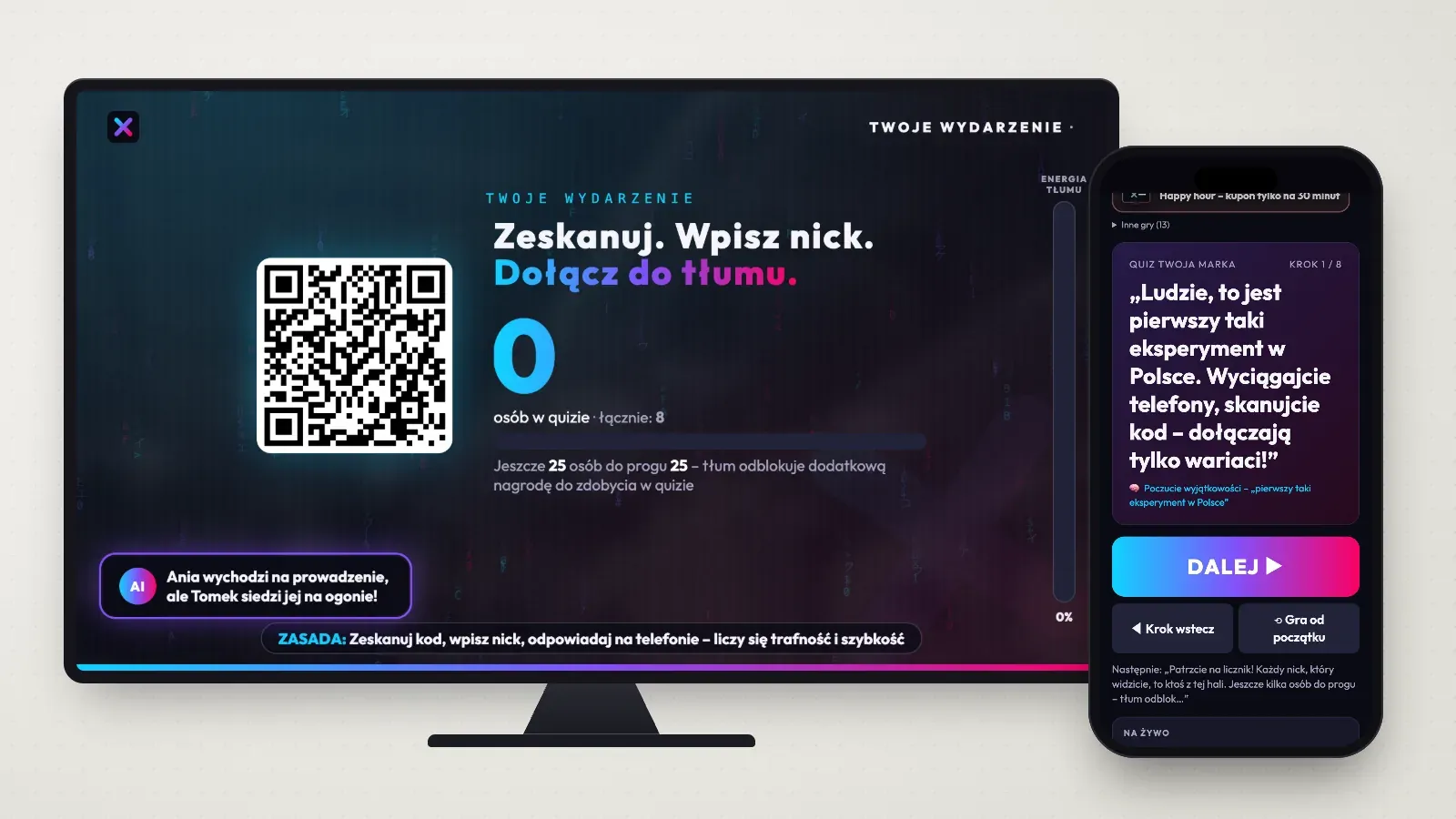
How NEXT remote on the phone works
The host does not have to stand at the laptop. The host window opens on a phone, tablet or second laptop and is protected with the crew password. The host picks a game, and every step is one tap on NEXT: the window shows what to say, and the system triggers the effect on the screen, e.g. a question, a countdown or a result reveal. A standard presentation clicker works too: the space bar or right arrow is NEXT, and the left arrow goes one step back.
Hosting modules are part of Impact. The host starts them with one click between games, and the host window suggests what to say.
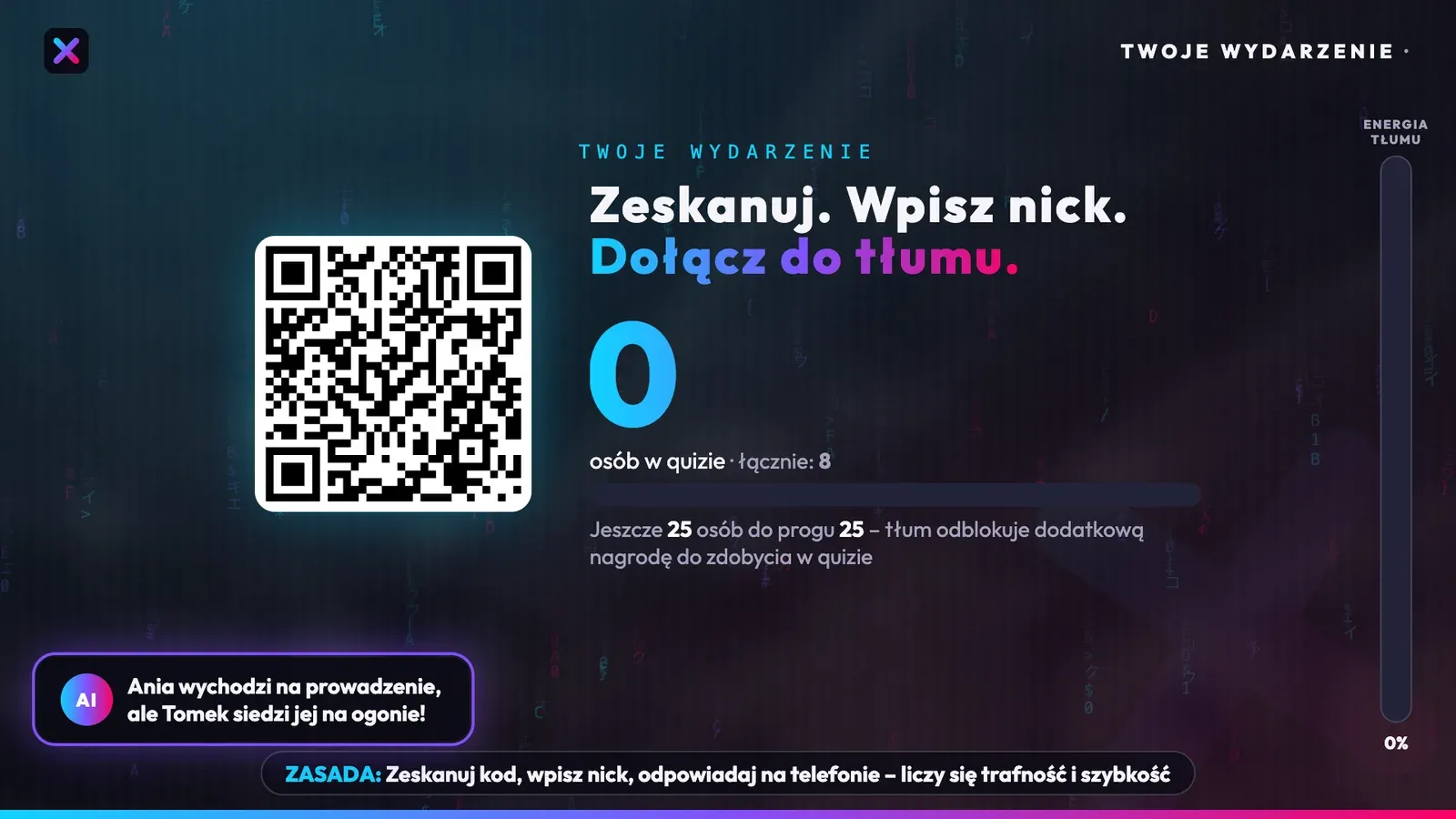
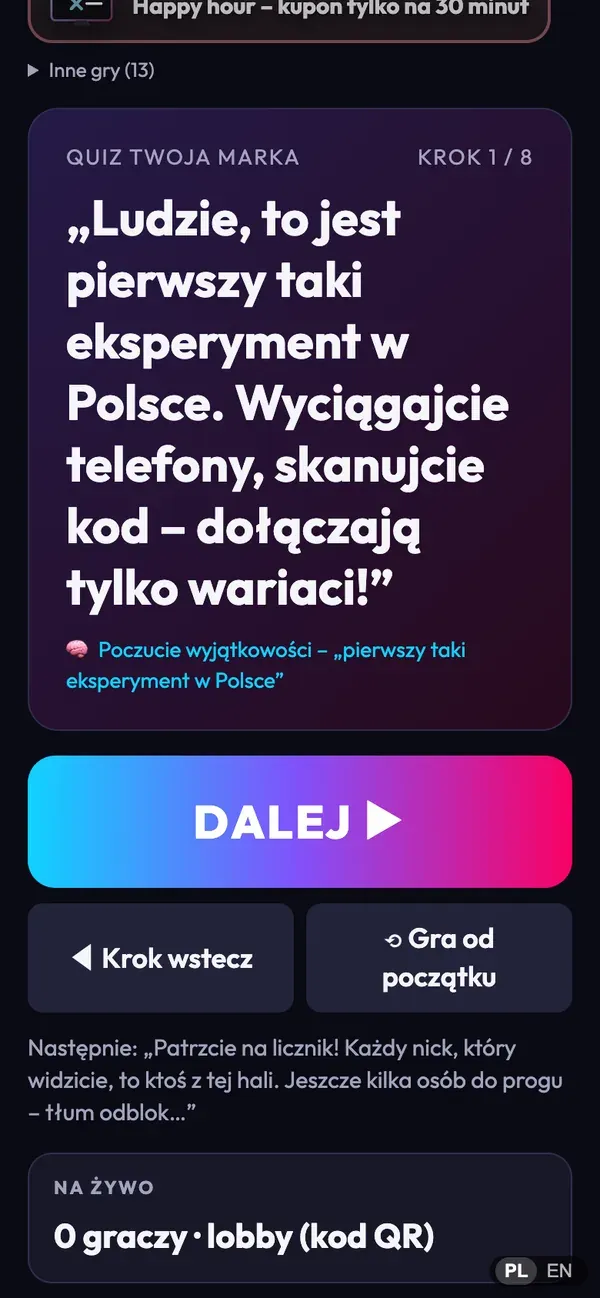
How it works, step by step
The host logs in with the crew password on a phone or tablet.
The host picks a game or an agenda item.
The host taps NEXT: the window shows the text to say, and the screen does the effect.
At the end of the script the host picks the next game or slot from the agenda.
Which events it suits
- Conference
- Gala
- Trade show booth
- Corporate event or team building
- Company Christmas party
We adapt names, texts and graphics to your brand.
Equipment and timing
- Time
- the whole event
- Who takes part
- the host
- Equipment
- host's phone, tablet or laptop, optional presentation clicker
- Type
- event hosting module
FAQ
- Do we need an experienced MC?
- No. The window suggests every step and the text to say. On request, the event can be hosted by Szymon Alaba, an MC from alaba.show.
- What if the host loses track of the script?
- The window shows which step is running and what comes next. The crew at the panel sees the same and can take over at any moment.
- Do we need to install anything?
- No. The screen runs in a web browser on the computer connected to the LED wall, and guests use the browser on their phones.
Other hosting modules
- Rules generatorA draft of the activity rules, put together from the cards of the games chosen for the event.
- Countdown to startA big “Starting in…” clock, a QR code and a preview of the first game, before guests even sit down.
- Welcome screen with logo and QR codeAn opening board: the client’s logo, the event name and a QR code to join.
Ask about this module
Tell me what kind of event it is, when and where it takes place and how many guests you expect. I will reply with how to use NEXT remote on the phone at your event. Prefer to talk? Call: +48 535 515 100.