
Impact by Ten od AI® · Event hosting
Organiser announcements on the LED screen and on phones
A short message on the screen and on guests’ phones, e.g. “Cloakroom closes at 10 pm”.
Event hosting module
- time: a few seconds
- who: all guests
- where it runs: LED screen + phones
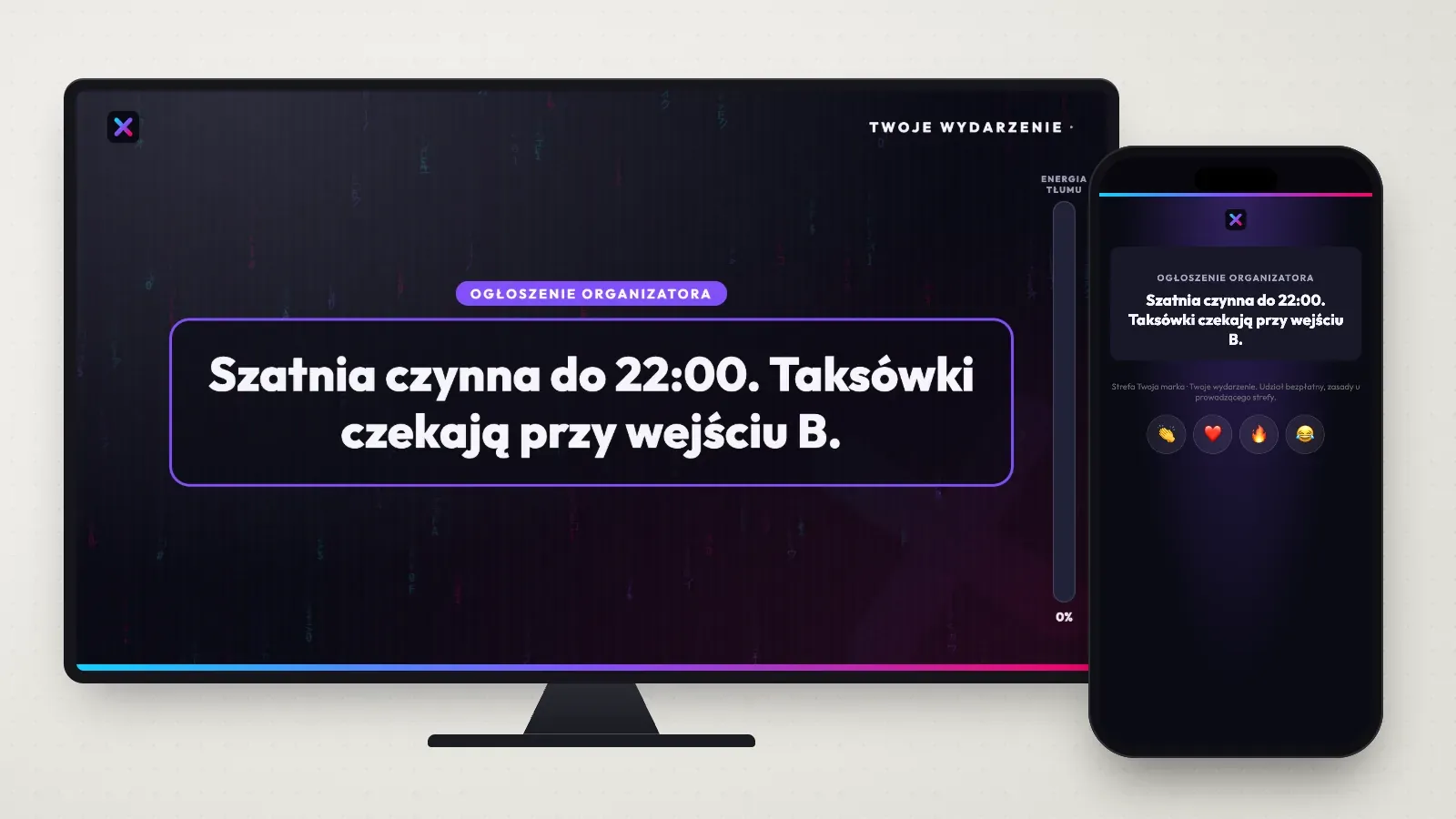
How Organiser announcement works
When something needs to be passed on to the room, the crew types a short text of up to 140 characters. The LED screen shows it in big letters, and optionally the message also appears at the top of each guest’s phone and disappears on its own after a set time. The text is typed by the crew, and a filter rejects profanity, links and phone numbers.
Hosting modules are part of Impact. The host starts them with one click between games, and the host window suggests what to say.
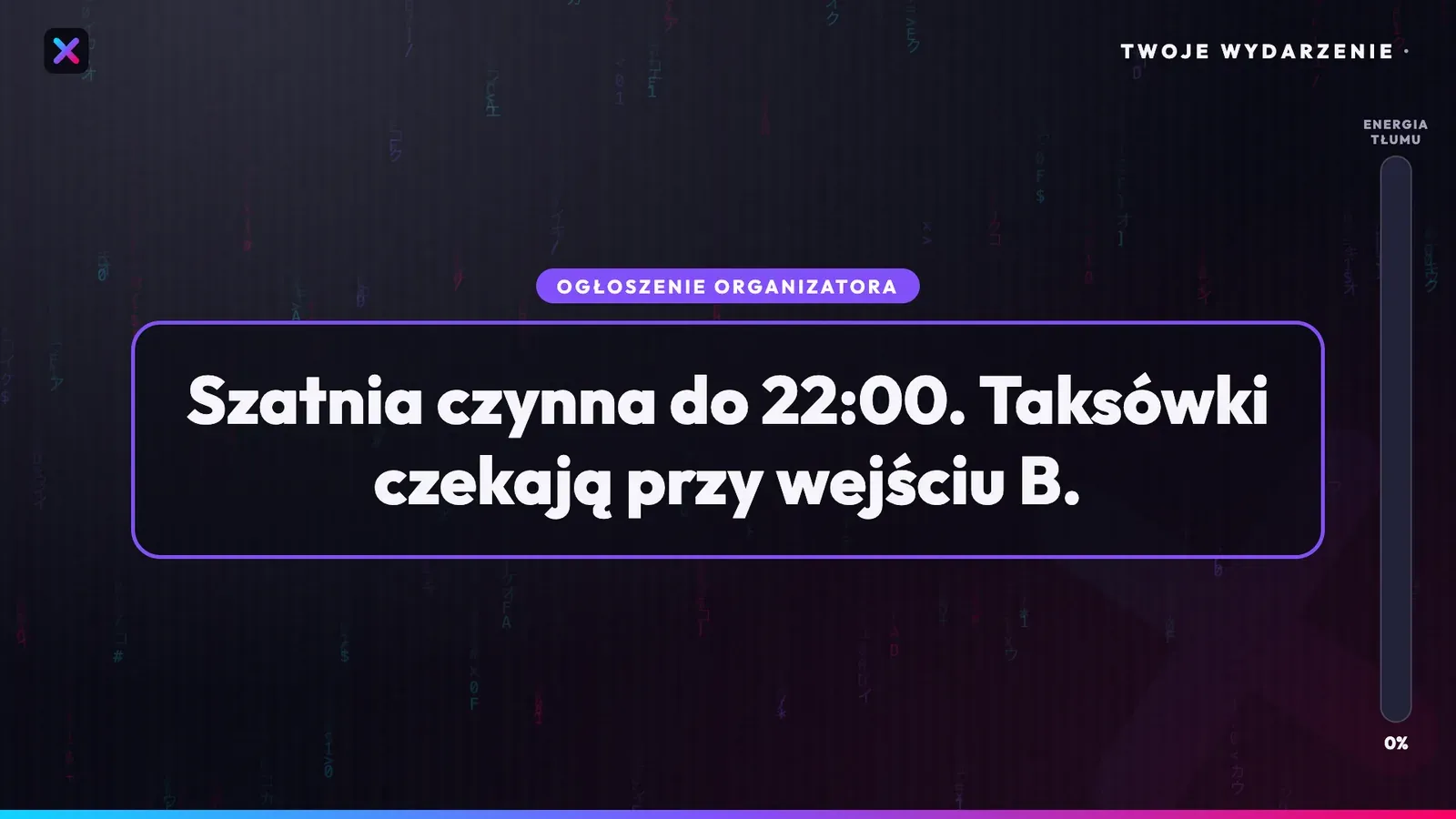
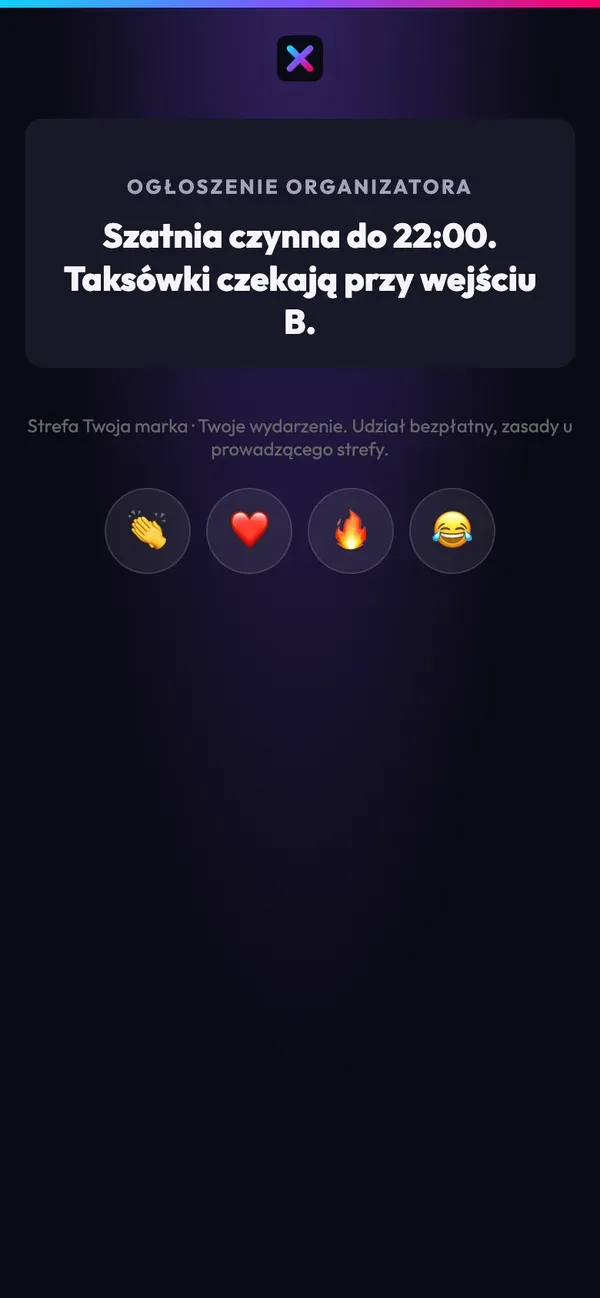
How it works, step by step
The crew types the message in the panel.
The host clicks “Show announcement”.
The screen shows the message, and optionally the guests’ phones do too.
On the phones the message disappears on its own after the set time.
Which events it suits
- Gala
- Conference
- Company Christmas party
- Outdoor event or fair
We adapt names, texts and graphics to your brand.
Equipment and timing
- Time
- a few seconds
- Who takes part
- all guests
- Equipment
- LED screen, guests' phones
- Type
- event hosting module
FAQ
- Can a guest put something on the screen this way?
- No. Announcements are typed by the crew in the panel.
- How long does the announcement stay on phones?
- As long as the crew sets, then it disappears on its own. On the LED screen it stays until the next screen.
- Do we need to install anything?
- No. The screen runs in a web browser on the computer connected to the LED wall, and guests use the browser on their phones.
Other hosting modules
Ask about this module
Tell me what kind of event it is, when and where it takes place and how many guests you expect. I will reply with how to use Organiser announcement at your event. Prefer to talk? Call: +48 535 515 100.